
Odoo version upgrades & data migration
Upgrade to the latest Odoo, or move from spreadsheets, QuickBooks, Sage or another ERP, tested on a copy first, with your data checked before you switch.
Everything you need, handled by one team
Upgrade audit
Custom modules, Studio changes and third-party apps reviewed.
Test upgrade
Upgraded copy on staging for your team to test.
Module migration
Custom code updated for the new version.
Legacy migration
From spreadsheets, QuickBooks, Sage, Tally or other ERPs.
Community → Enterprise
Switch editions without losing data.
Cut-over
Planned switch, usually over a weekend.
A clear, simple process
- 1
Audit
What you have and what must move.
- 2
Test
Upgrade a copy and let users test.
- 3
Fix
Migrate modules and fix gaps.
- 4
Switch
Final upgrade and go-live.
Where we’ve done this before
Common questions
Will we lose data during an upgrade?
No. We always upgrade a copy first, compare numbers and reports, and only switch when you have signed off.
How long does an upgrade take?
From about two weeks for a simple database to longer for heavily customised systems, we estimate after the audit.
Can you migrate from QuickBooks or Excel?
Yes. We migrate masters, open transactions and opening balances into Odoo.
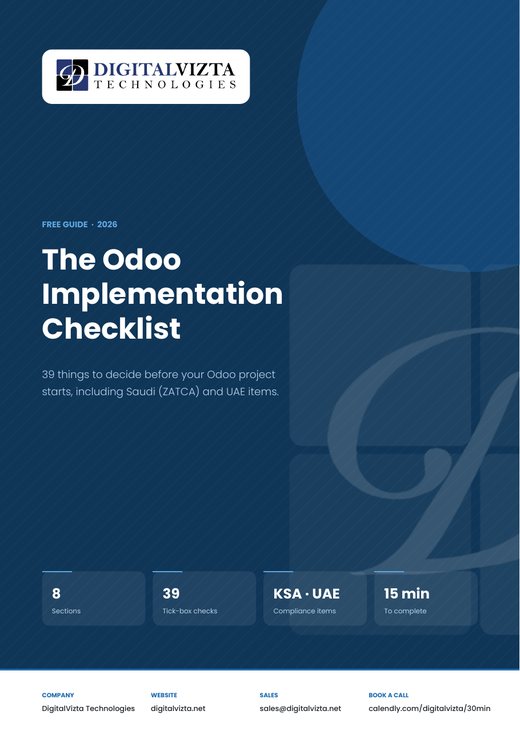
39 things to decide before your Odoo project starts, including ZATCA and UAE items.
Let’s talk about your project
Book a free 30-minute call, we’ll suggest the fastest path.