

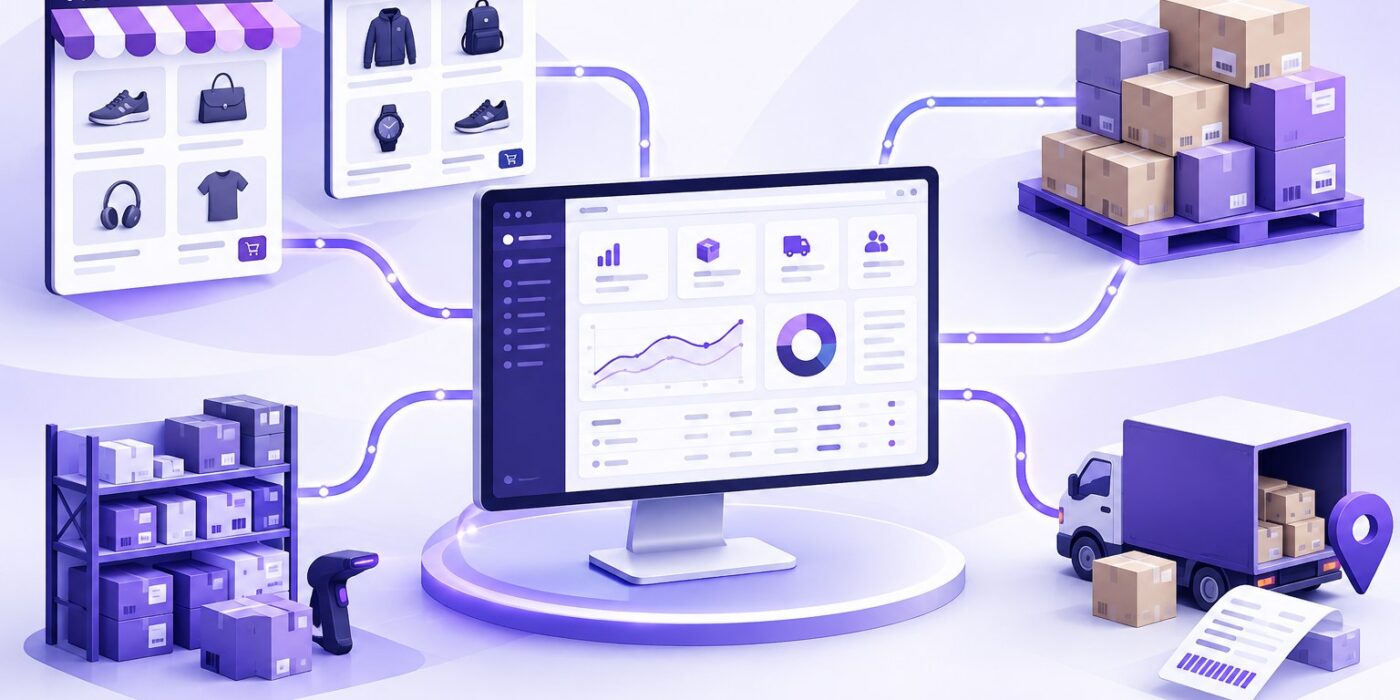
If you sell online, your store and your ERP must agree on stock, prices and orders. Re-typing orders is slow and error-prone, an integration does it automatically.
Decide what to sync, and which system is the “source of truth”
- Products & prices: usually managed in Odoo and pushed to the store
- Stock levels: from Odoo to the store, updated after every sale
- Orders: from the store into Odoo as sales orders
- Customers: created or matched in Odoo with each order
- Shipments & tracking: from Odoo back to the store
Option 1: a ready-made connector
The Odoo App Store has connectors for Shopify, Magento 2, WooCommerce and marketplaces. They are fast to set up and cover the common flows. On an Odoo 14 project in South Africa we installed Odoo and connected the client’s Magento 2 stores using a Webkul connector.
Option 2: a custom API integration
When your flows are unusual, bundles, custom pricing, several stores or warehouses, a custom integration using the store’s REST API and Odoo’s XML-RPC / JSON-RPC API gives full control.
Tips for a smooth rollout
- Clean up SKUs first, every product needs one unique reference
- Map taxes, shipping methods and payment methods before going live
- Use webhooks where possible so orders arrive in seconds
- Test with real orders on a staging store before switching on
Integration checklist before launch
Decide which system owns each field before building the connector. For example, Odoo can own available stock while the storefront owns marketing descriptions. Document the direction of every sync and what happens when two systems disagree.
- Match SKUs and product variants across all stores and warehouses.
- Choose how stock reservations, returns and cancelled orders change availability.
- Map customer tax data, shipping charges, discounts and payment methods.
- Test webhooks, retries and duplicate-order protection.
- Reconcile a sample of paid, refunded and partially fulfilled orders in Odoo.
How to monitor an Odoo ecommerce connector
A healthy integration needs more than a successful first import. Track failed jobs, last successful synchronization, unmatched SKUs and stock discrepancies. Set alerts for repeated API errors and provide a safe retry process that does not create duplicate sales orders.
Frequently asked questions
Should Odoo or Shopify control inventory?
For businesses using Odoo for purchasing and warehouse operations, Odoo is often the preferred inventory source of truth. Confirm the choice against your fulfilment process before implementation.
Can one Odoo database connect to several stores?
Yes, but each store needs clear mappings for warehouses, currencies, taxes and order identifiers.
Want your store and Odoo in sync? book a free 30-minute consultation.

ERP consultant.
Leave a Reply